
alpAI
Applied AI
Product Case Study
A mobile product combining mountain route data, weather, conditions, safety logic and artificial intelligence to support better mountain trip planning.
02 — Product demo
Real product demoSee alpAI in action
80-second walkthrough of the real alpAI development build.
The video shows the real alpAI development build, including mountain exploration, trip planning, the AI assistant, maps, weather data and safety features. Automatic route recommendations are limited to verified route data.
01 — Problem
Problem
Planning a mountain trip means connecting information from multiple sources: routes, difficulty, elevation gain, weather, conditions, huts, access, equipment and safety guidance.
alpAI explores how structured data, conventional application logic and generative AI can bring this information together as clear, useful support for trip planning.
AI is not the source of facts about mountain routes. Its role is to interpret, personalise and explain data.
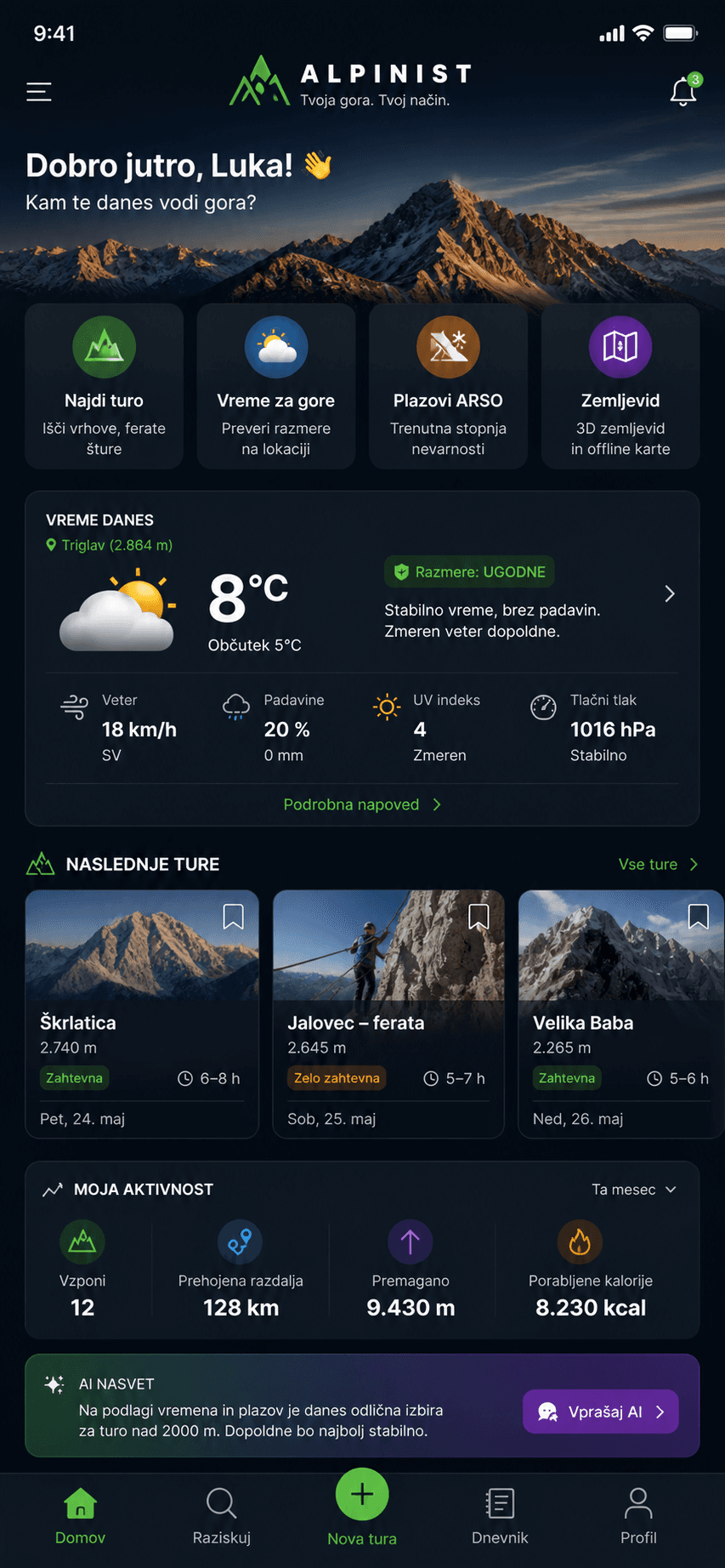
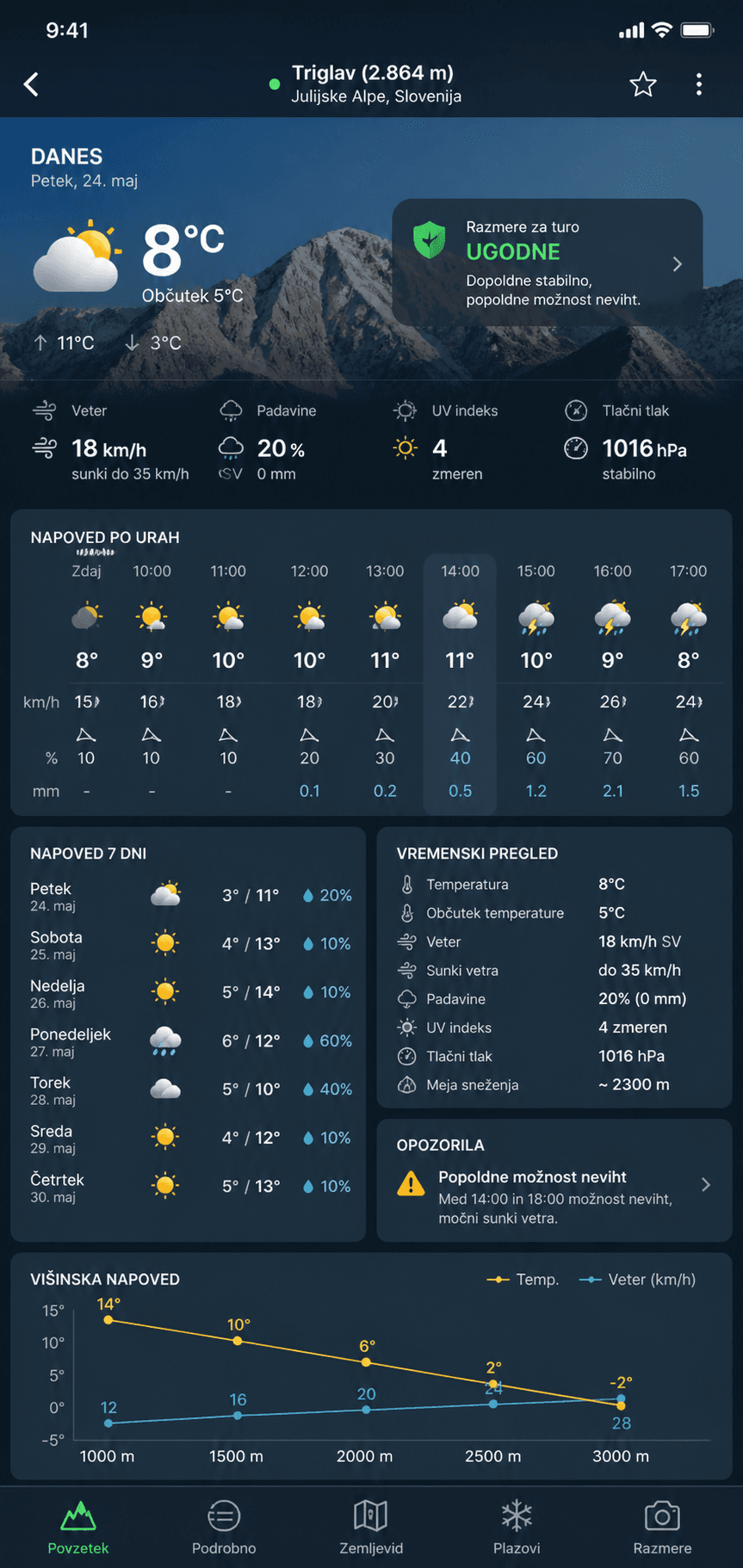
Product screens
The repository does not contain verified captures from the current running build. The available screens are therefore labelled as concept and product-presentation material.
03 — Try the product
Try the app
Interactive demo is currently available on request.
04 — 3-minute flow
What to try
A suggested three-minute path through the main product flows.
- 01
Suggest a trip
Select preferences, difficulty and available time, then review how alpAI prepares a recommendation.
- 02
Review the recommendation
Check duration, difficulty, reasoning, warnings, weather and conditions.
- 03
Open the map
Review the route plan and key information.
- 04
I am on a trip
See the information designed for use during a mountain trip.
- 05
Safety
Review STOP / Orientation, safety content and SOS / 112.
05 — Product engineering
My role
alpAI is being developed as an end-to-end product rather than a standalone AI demo, covering product decisions, structured data, mobile development, integrations, testing and AI behaviour.
06 — AI architecture
How the AI works
User
- User preferences
- Experience / goals / selected trip
Structured data
- Routes
- Trailheads
- Elevation
- Difficulty
- Duration
Context
- Weather
- Mountain conditions
- Huts
- Transport
- Daylight
Rules & validation
- Hard constraints
- Safety checks
- Data validation
AI layer
- Interpretation
- Personalisation
- Explanation
User output
- Route recommendation
- Warnings
- Alternatives
- Contextual explanation
AI interprets facts. It is not the source of geographical facts.
05 — Example workflow
From request to recommendation
- Saturday
- 5–6 hours
- Good fitness
- I want a more demanding marked route
Routes · Weather · Conditions · Safety · User context
Viševnik from Rudno polje
✓ suitable duration
✓ conditions are suitable
✓ finish before sunset
⚠ it may be colder above 2,000 m
⚠ check the required equipment
Process illustration — the data is not presented as a current real-time forecast.
06 — Grounding & validation
Plausible does not mean correct
Development showed that a generative model can provide geographical information that sounds convincing but is wrong. When searching for a route to Triglav, the system could suggest an unsuitable trailhead. This led to a change in approach.
User
↓LLM
↓Route information
Problem: plausible ≠ correctVerified / curated route data
↓Application logic
↓AI interpretation
↓User
Use AI to interpret facts — not to invent them.
09 — Applied AI
Three core AI use cases
AI Route Recommendation
The user provides available time, difficulty, experience, fitness and preferences. alpAI helps identify a suitable option.
- Time
- Difficulty
- Experience
- Fitness
- Preferences
AI Route Check
The user already has a destination. alpAI helps review the key trip context.
- Difficulty
- Weather
- Conditions
- Duration
- Logistics
- Warnings
AI Mountain Assistant
Contextual assistance for preparation and understanding information.
- Trip preparation
- Equipment
- Safety
- Orientation
- Trip information
The AI assistant does not replace a mountain guide, mountain rescue services, official weather sources or human judgement.
08 — Safety
Safety by design
11 — Technology
Tech stack
Flutter + Dart
Cross-platform mobile application and product interface.
Next.js + React + TypeScript
Public website and bilingual case study.
OpenAI API
Backend-supported interpretation and conversational assistance.
Mapbox + OpenStreetMap
3D map rendering, routes and geographic source data.
Node.js + Express
AI and transport service endpoints.
JSON + ARSO + Meteoblue + Open-Meteo
Structured mountain data and weather context.
Firebase Authentication
Application sign-in and user identity.
Vercel
Website build and deployment configuration.
10 — Process
Building the product
- 01Problem definition
- 02UX and information architecture
- 03Route/data modelling
- 04First working product
- 05AI integration
- 06Testing real-world edge cases
- 07Improving reliability
- 08Current development
11 — Reflection
What I learned
AI ≠ database
Generative models are excellent at interpretation and communication, but they are not a reliable primary source of domain facts.
AI UX matters
Returning an answer is not enough. Users need to understand why something is recommended and what deserves their attention.
Safety changes architecture
In a mountain app, a wrong answer is more than poor UX. Some rules and data therefore need to remain deterministic.
Real products expose edge cases
A real application quickly exposes what chatbot prototypes often hide: data, state, errors, user context, mobile UX and integrations.
14 — Product status
Current status
alpAI is actively being developed and tested.